> ## Documentation Index
> Fetch the complete documentation index at: https://goldenpocket.mintlify.site/llms.txt
> Use this file to discover all available pages before exploring further.
# 📎 Notes, Attachments & Trade Context
> Adding context and annotations to your trades
## Trade Notes & Annotations
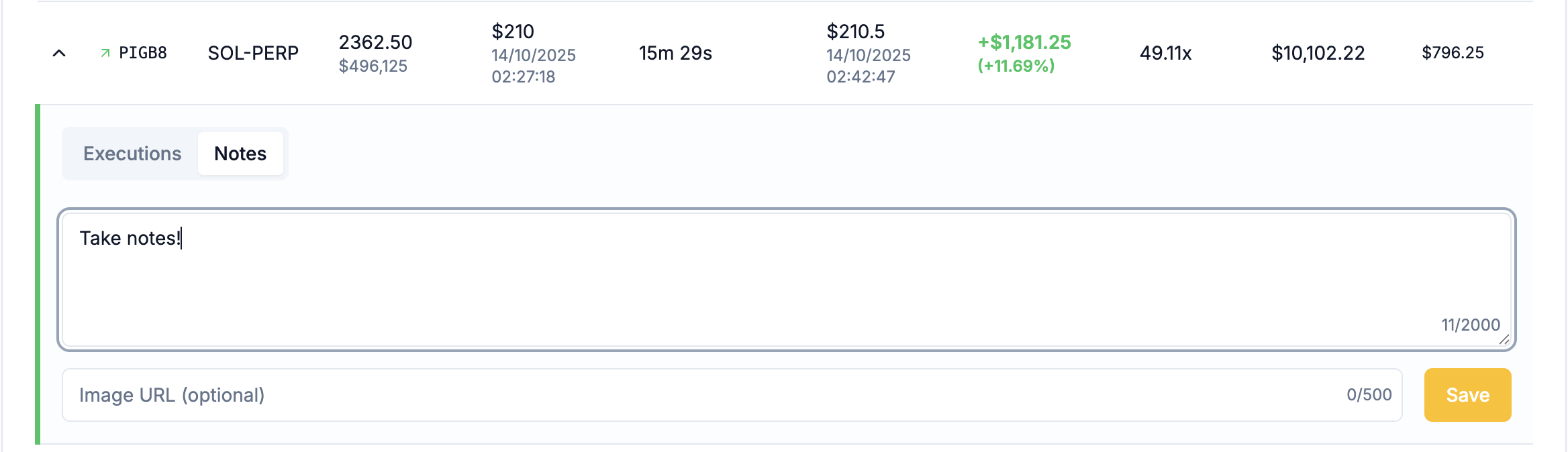
A persistent journaling system attached to each trade. Open a trade from **Trade History** and use the **Notes** tab to add text and attachments.
### Capabilities
* Text notes
* Image attachments
* Cross-device syncing
### Key Insights
* Capture reasoning and context
* Build a long-term knowledge base
* Improve decision-making through review
## Filters, Search & Data Export
Universal search and export functionality. Use filters and search to narrow the exact set of trades you want to review or export.
### Features
* Filter by multiple criteria
* Search through trade notes
* Export data for external analysis
* Save filter presets
### Key Insights
* Quickly find specific trades or patterns
* Integrate with external tools and workflows
* Maintain backup records